What you get
IRIS never talks to your devices. She talks to your Home Assistant, and Home Assistant talks to everything. So the question is not “what does IRIS support?” but “what can Home Assistant reach?” — and the answer to that is most things with a plug, an app or an address.
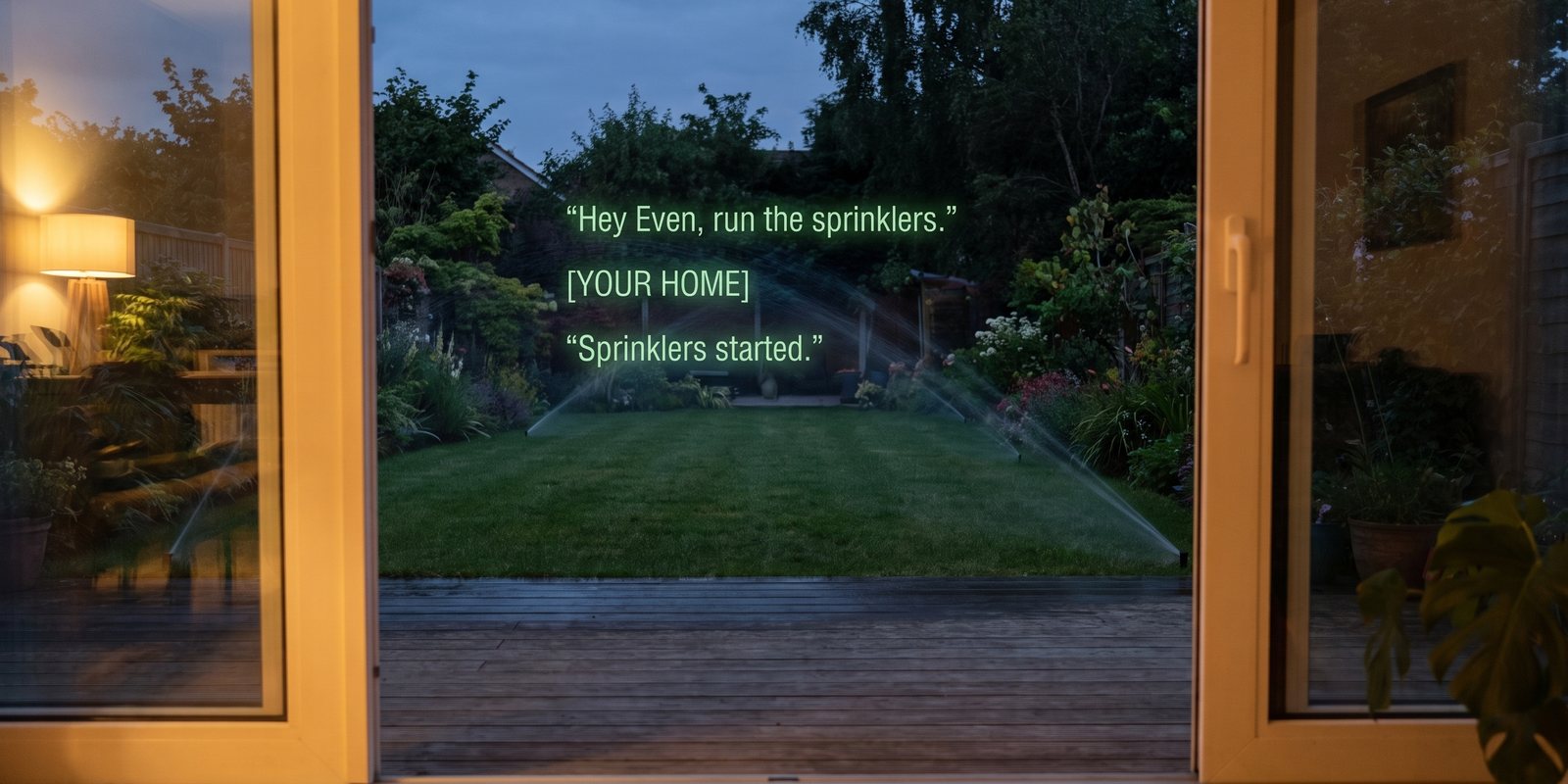
Illustration. A script is reported as started, not verified — it has no state worth reading back.
| What you wrap it in | What you can then say | Examples |
|---|---|---|
| A script | “run …” | Sprinklers for 20 minutes. Start the Plex backup. Open the gate and close it after a minute. Anything with a webhook or a shell command inside it. |
| A scene | “turn on …” | Movie night. Dinner. Leaving. A whole room set in one word. |
| An automation | “run …”, “turn on/off …” | Trigger it by hand; or switch the whole automation off while guests are staying. |
| A switch or toggle | “turn on/off …”, “is … on?” | Smart plugs, of course — but also a template switch that hits a URL, or an input_boolean that another automation watches. |
Also already there, by name: lights, fans, thermostats and water heaters (“set … to 68”), blinds and garage doors, TVs and speakers, locks, the alarm, vacuums. Locks, alarms, garage doors and scripts always ask you before IRIS acts. Cameras are the one thing refused — nothing here can carry a video stream.
Set it up
- Connect your home, if you have notSettings → Connections → Home. Your Home Assistant address (the Nabu Casa one works from anywhere) and a long-lived access token from your HA profile page. Tap Connect. Everything IRIS finds starts switched on; Choose what IRIS may control is where you untick things.
- In Home Assistant, wrap the thing in a scriptSettings → Automations & Scenes → Scripts → Add script. Name it what you will say — “Sprinklers”, not “irrigation_zone_1_timed_v2”. Inside it, the action can be anything Home Assistant has: a device, a
rest_commandto a URL, ashell_command, a notification, a delay.# A script that calls any web hook, then reports done alias: Start backup sequence: - action: rest_command.start_backup - delay: "00:00:02"
Arest_commandis defined once inconfiguration.yamlwith the URL, method and headers. From then on it is just a thing Home Assistant can do, which means a thing you can say. - Tell IRIS to re-read the houseSettings → Connections → Home → Re-read my home. New things are enabled automatically. Scripts and automations sit under Doors, alarms and routines, because they run whatever they run — untick any you would not want a guest within earshot to trigger.
- Say itWith IRIS pointed at Hey Even (part one of the spreadsheet guide): “Hey Even, run the sprinklers.” Or through Ask on the phone or the lens. Up to four actions in one breath: “turn off the office and run leaving”.
Good to know
- A script’s name does not tell IRIS what it does. IRIS reads back what she changed for lights and locks; a script is only ever reported as started. Put the consequence in the name if it matters — “Open gate”, not “Front”.
- Voice cannot tell who is speaking. Anything switched on can be triggered by anyone your glasses can hear. That is why the picker has a second section.
- The home token is the one key that leaves your phone — it lives on IRIS’s server so Hey Even works with the app closed. Disconnect deletes it.
- Numbers are clamped. Thermostats and water heaters accept 45–90 °F or 7–32 °C; outside that, IRIS refuses and says so.
+
More recipes
Eight things IRIS can already do that most people have not switched on — four with your own agent, four with nothing but the phone.
Long jobs from the lensKick off a build, a report, a scrape — walk away — and the result appears on your lens.Meeting to CRMEach session goes to your agent as it ends; the agent updates the record and asks on your lens before emailing.Inbox on the lens“Anything from the landlord?” — answered from your real Gmail, without touching the phone.Expert cues from your agentPoint a mode at an agent that knows your codebase, wiki or vault, and it comments live while you talk.Reminders as triggers“Remind me at four” arrives as an email — and an email can become a phone alert, a task, or a webhook.Voice to-dos into TodoistA “remember to…” on the glasses lands in your Todoist or Google Tasks, and ticking it off there ticks it off in IRIS.Ask your documents by voiceAdd the PDF once. Then “Hey Even, what’s the notice period?” is answered from it, on the lens.All recipesThe index, with the spreadsheet guide and the agent guide.