What you get
Every timed reminder you speak lands in your inbox with the same sender and the same subject shape. Anything that can watch an inbox can act on it.
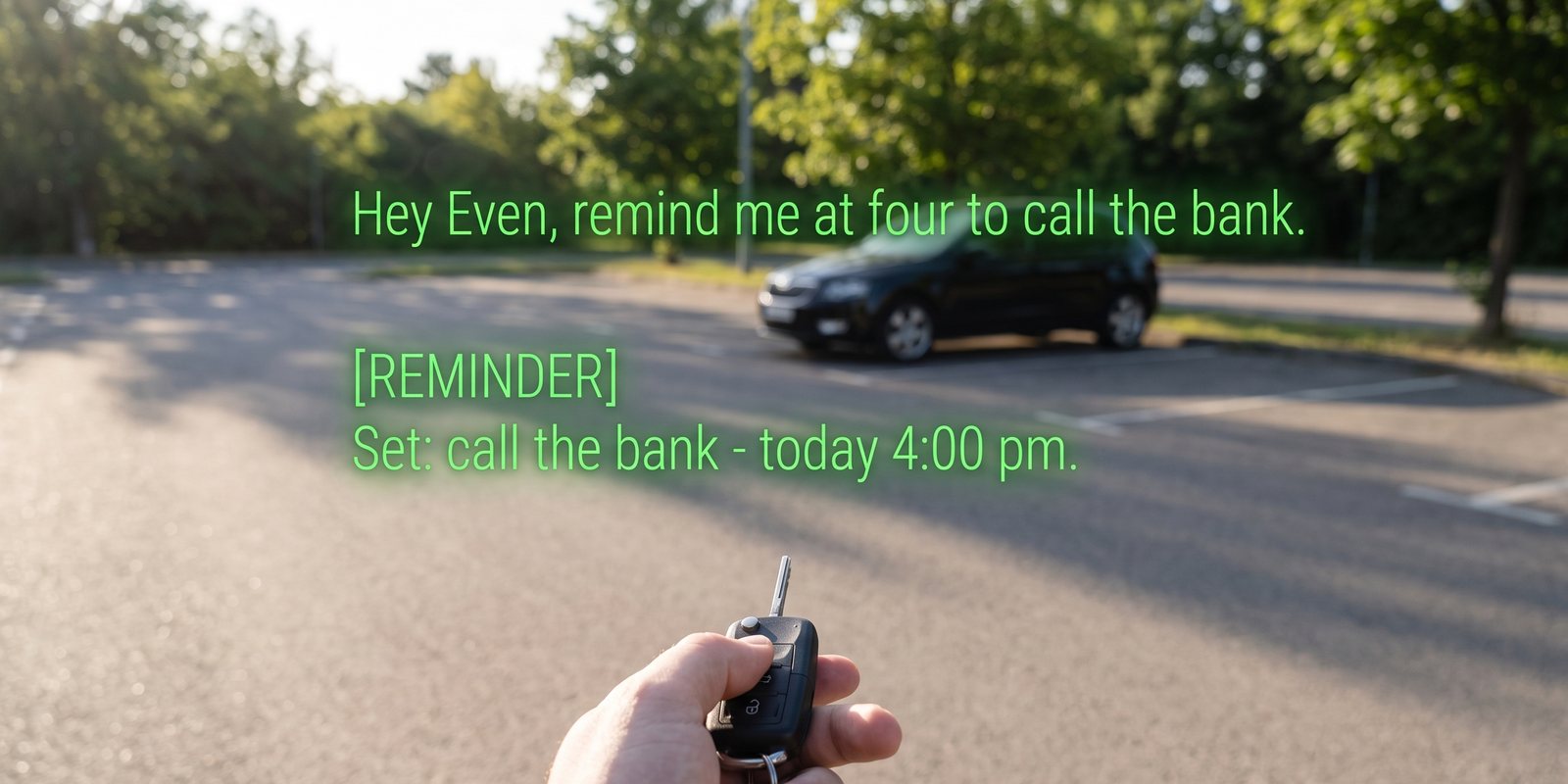
Illustration of the confirmation you see on the lens when you set one.
From
Sufi from IRIS <[email protected]>
Subject
Reminder: call the bank
Body
call the bank — today at 4:00 pm.
Set by you through IRIS. Reply to this email if something looks wrong.
Set by you through IRIS. Reply to this email if something looks wrong.
When
At the moment you asked for, to within fifteen minutes
- A push notification that actually interrupts. Email is easy to miss; a Pushover or ntfy alert on your phone and watch is not.
- A dated task in the list you already live in. Todoist and Things both accept tasks by email, so the reminder becomes a task with the reminder text as its title.
- Anything with an email trigger. Zapier, Make and IFTTT all start a flow from an incoming mail — so “remind me at nine to start the heating” can literally start the heating.
Set it up
- Have Hey Even pointed at IRISPart one of the spreadsheet guide — ten minutes on the phone. Reminders go to the email on your IRIS Pro subscription, so that is the inbox to filter.
- Get the address the reminder should go toTodoist: open a project → the three dots → Email tasks to this project — copy the address. Things: Settings → Things Cloud → Mail to Things. Pushover: your user page shows an email gateway address per device. Zapier / Make / IFTTT: create a flow whose trigger is “new inbound email” and copy the address it gives you.
- Add the forwarding address in GmailGmail → Settings → Forwarding and POP/IMAP → Add a forwarding address. Gmail sends a confirmation code to that address — it turns up as a task, or a notification, or a flow run, wherever you pointed it; read the code there and paste it back into Gmail. Once.
- Make the filterGmail search box → the sliders icon → From
[email protected], SubjectReminder:→ Create filter → tick Forward it to and pick the address. Optionally Skip the inbox so the reminder does not also sit in your mail.Outlook, iCloud and Fastmail all have the same rule: a filter on sender and subject with a forward action. - Say one“Hey Even, remind me in ten minutes to test this.” The lens confirms it with Reminder set. Ten minutes later it is wherever you sent it.
Good to know
- Fifteen-minute resolution. Reminders are dispatched by a clock that runs every quarter hour, so “at four” arrives between four and a quarter past.
- Calendar events get a reminder too — “put lunch with Sam on my calendar Friday at noon” emails you two hours before by default, with the same subject shape, so the same filter catches it.
- Todoist’s email-to-task uses the subject as the title, so the task reads “Reminder: call the bank”. Fine for most; if it bothers you, Zapier and Make can strip the prefix on the way through.
- “Remind me” with no time becomes a plain to-do, not a timed reminder — no email, no trigger. The to-dos recipe is the one for those.
+
More recipes
Eight things IRIS can already do that most people have not switched on — four with your own agent, four with nothing but the phone.
Long jobs from the lensKick off a build, a report, a scrape — walk away — and the result appears on your lens.Meeting to CRMEach session goes to your agent as it ends; the agent updates the record and asks on your lens before emailing.Inbox on the lens“Anything from the landlord?” — answered from your real Gmail, without touching the phone.Expert cues from your agentPoint a mode at an agent that knows your codebase, wiki or vault, and it comments live while you talk.Home Assistant as a bridgeNot just lights: scripts, scenes, automations and any web hook you wrap in one, from “Hey Even”.Voice to-dos into TodoistA “remember to…” on the glasses lands in your Todoist or Google Tasks, and ticking it off there ticks it off in IRIS.Ask your documents by voiceAdd the PDF once. Then “Hey Even, what’s the notice period?” is answered from it, on the lens.All recipesThe index, with the spreadsheet guide and the agent guide.